Abandoned checkouts
A customer filled their basket, reached checkout, and left without paying. This page lists those carts so you can phone them.
These are the warmest leads your shop has — the customer chose the products and typed their phone number. A call recovers a meaningful share of them.
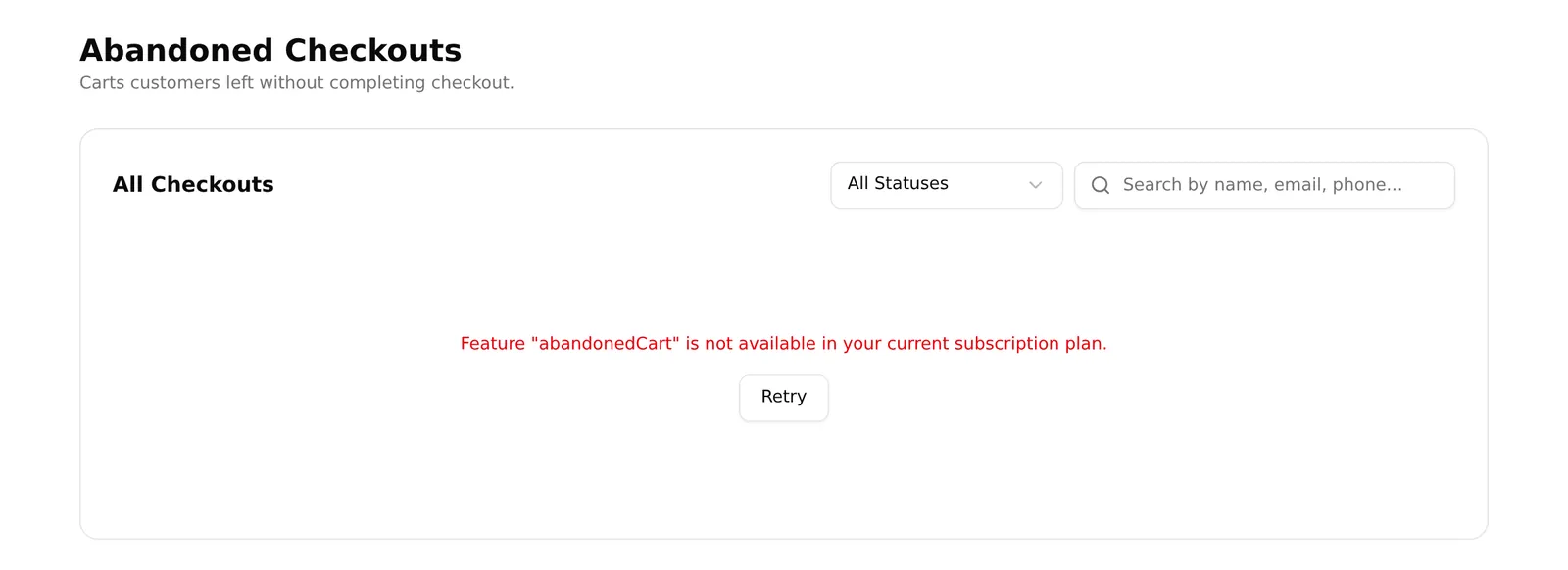
Plan note: abandoned checkouts are a paid feature. If the menu item is missing, check your plan.
Where to find it
Sidebar → Orders → Abandoned Checkouts.
Reading the list
| Column | What it tells you |
|---|---|
| Customer | Name, if they got that far |
| Contact | Phone and email — what you call |
| Abandoned | When they left |
| Items | How many things were in the basket |
| Value | What it was worth |
| Status | Where your follow-up stands |
Sort your effort by Value and Abandoned: a large basket from an hour ago is worth calling now; a small one from three weeks ago is not.
Following up
View opens the cart in full — every product with its photo, SKU, price and quantity, plus the total, and any internal notes already on it.
Two outcomes:
- Convert to Order builds a new order pre-filled with that customer and everything in their basket. Confirm the details and save. This is the whole point of the page.
- Mark where the follow-up got to and move on.
The follow-up statuses are:
| Status | Use it when |
|---|---|
| Pending | Not contacted yet |
| Not Interested | Reached them, they said no |
| No Response | Called, no answer |
| Unreachable | Wrong or dead number |
| Converted | They bought |
| Order Failed | They tried to order and it failed |
| Order Success | The order went through |
The filter at the top of the list narrows to one status, so Pending is your call list for the day.
Carts that turned into orders are labelled Recovered and cannot be converted twice.
A working routine
- Filter to Pending.
- Sort your attention by value — call the big baskets first.
- Call. If they want it, use Convert to Order while still on the phone.
- If they do not, set the status honestly so nobody calls them again.
Common problems
“The list is empty.” Either nobody has abandoned a cart since the feature was switched on, or your plan does not include it. A cart only appears once the customer reaches checkout — browsing without checking out does not count.
“No phone number on a cart.” They left before entering contact details. Nothing to call; there is no way to recover it.
“Convert to Order is missing.” That cart is already marked Recovered.